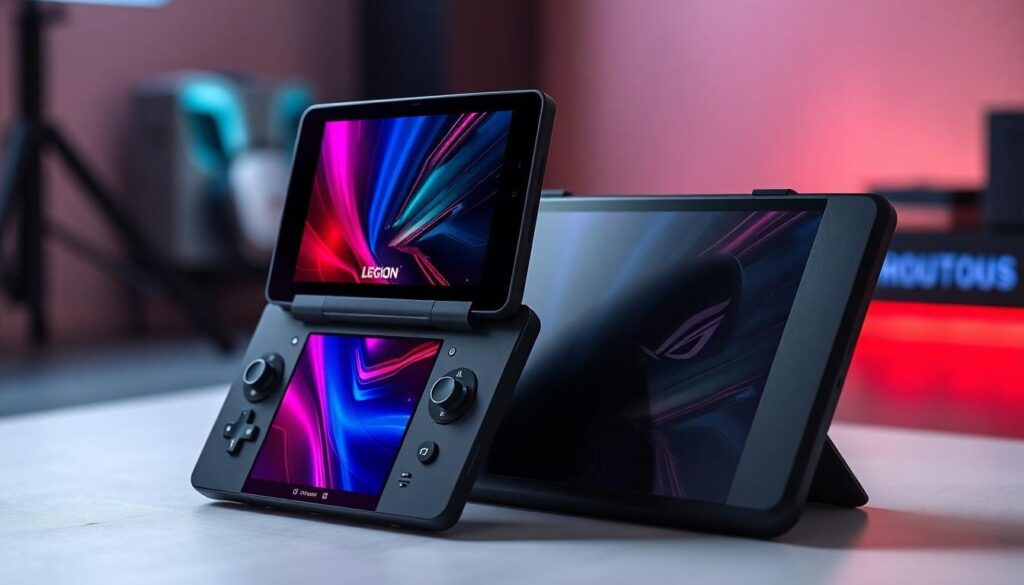

In the ever-evolving world of gaming, choosing the right handheld device can feel like picking a favorite child—impossible! Enter the Lenovo Legion Go and the ASUS ROG Ally, two titans ready to battle for your gaming heart. With sleek designs and powerful specs, these devices promise to elevate your gaming experience while making you the envy of your friends.
Overview of Lenovo Legion Go and ASUS ROG Ally
Lenovo Legion Go offers a robust gaming performance with its AMD Ryzen Z1 Extreme processor, showcasing cutting-edge graphics capabilities. Its large 7-inch QHD display enhances visual clarity, delivering vibrant colors and sharp details. Gamers benefit from a high refresh rate of 144 Hz, ensuring smooth gameplay.
ASUS ROG Ally, on the other hand, utilizes the AMD Ryzen Z1 processor, emphasizing lightness and portability. The device features a 7-inch Full HD display, providing a solid gaming experience with decent brightness and color accuracy. With a refresh rate of 120 Hz, gamers enjoy responsive controls during play.
Battery life stands out for each device. Lenovo Legion Go boasts a 49.2 Wh battery capacity, offering up to 10 hours of gaming on a single charge. In comparison, ASUS ROG Ally possesses a 40 Wh battery, allowing approximately 6 hours of gaming under similar conditions.
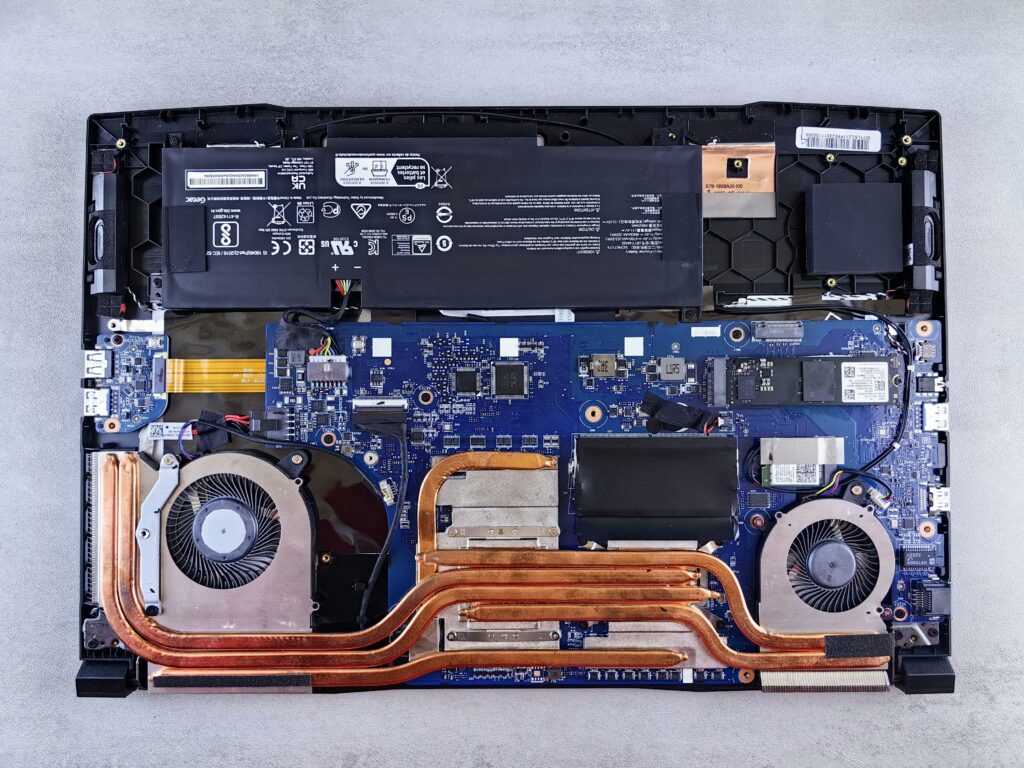
Both models integrate advanced cooling systems. Lenovo employs a vapor chamber cooling solution while ASUS utilizes dual-fan technology, effectively managing heat during intense gaming sessions. Connectivity options also add to their appeal; Legion Go includes USB-C for charging and HDMI 2.0 for external display connections, while ROG Ally provides USB-A ports alongside Bluetooth support.
Weight plays a significant role in portability. Legion Go weighs around 1.5 pounds, making it slightly heavier than ROG Ally, which weighs approximately 1.3 pounds. Each device houses customizable controls, enhancing the gaming experience further with user-friendly layouts and button configurations.
Overall, Lenovo Legion Go and ASUS ROG Ally both present unique features tailored to different types of gamers. Users seeking a powerful gaming device with immersive visuals may prefer Legion Go, while those prioritizing portability and convenience might lean toward ROG Ally.
Design and Build Quality

The design and build quality of both the Lenovo Legion Go and ASUS ROG Ally contribute significantly to their user experience. Each device presents a unique approach to form and function.
Comparison of Materials
Lenovo employs durable plastic and metal in the Legion Go’s chassis, balancing sturdiness and weight. This construction enhances longevity while keeping the device appealing. In contrast, ASUS opts for a combination of plastics that focus on lightweight portability. The ROG Ally’s materials often provide a sleek look, though they may not match the rugged feel of the Legion Go. Both manufacturers ensure their products resist wear and tear, offering gamers the reliability they require during intense gaming sessions.
Size and Weight
The Legion Go’s dimensions measure approximately 11.6 x 4.5 x 1 inches, providing an ample grip for extended gameplay without discomfort. It weighs around 1.5 pounds, making it slightly heavier than its competitor. The ROG Ally, at about 11.4 x 4.8 x 1.1 inches, focuses more on portability. Its weight of 1.3 pounds allows for easier transport, appealing to gamers on the move. Each device’s size and weight accommodate specific user preferences, whether favoring a robust handheld feel or a lightweight option for gaming on the go.
Performance Analysis
Both the Lenovo Legion Go and ASUS ROG Ally showcase impressive performance capabilities tailored to different gaming needs.
Hardware Specifications
Lenovo Legion Go integrates an AMD Ryzen Z1 Extreme processor, delivering high-end gaming performance. It features a 7-inch QHD display with a refresh rate of 144 Hz, creating vibrant visuals during gameplay. This model comes equipped with 16 GB of RAM and storage options up to 1 TB, accommodating extensive game libraries. In contrast, the ASUS ROG Ally utilizes an AMD Ryzen Z1 processor, providing solid gaming performance while prioritizing portability. Its 7-inch Full HD display with a 120 Hz refresh rate balances visual quality with lightweight design. The ROG Ally offers 16 GB of RAM but has different storage configurations, available up to 512 GB. Each device caters to varying preferences in performance and display quality.
Gaming Performance
Gaming experiences differ significantly between the two devices. The Legion Go, with its robust processor, excels in handling graphic-intensive titles, providing smooth frame rates on demanding games. Furthermore, its high refresh rate enhances immersion by minimizing motion blur. Meanwhile, the ROG Ally performs well with casual games and less demanding titles, offering efficient power management. Its Full HD resolution still presents a solid visual experience, suitable for gamers who value portability. Both devices include customizable controls that enhance gameplay, creating unique experiences tailored to player preferences.
Display Features
Display features play a crucial role in the gaming experience offered by the Lenovo Legion Go and ASUS ROG Ally.
Screen Quality
The Lenovo Legion Go includes a striking 7-inch QHD display, providing a resolution of 2560 x 1600 pixels, which enhances color accuracy and detail. Vibrant images and sharp graphics form part of its appeal, making it ideal for immersive gaming sessions. In contrast, the ASUS ROG Ally’s 7-inch Full HD display delivers a resolution of 1920 x 1080 pixels. While the ROG Ally offers solid visuals, the lower resolution may not match the Legion Go’s clarity. Both screens exhibit excellent brightness levels, ensuring gameplay remains visible in various lighting conditions.
Refresh Rate and Response Time
A high refresh rate significantly influences gameplay fluidity. The Legion Go supports an impressive refresh rate of 144 Hz, which sharpens motion during fast-paced action sequences. Smooth transitions without motion blur enhance the experience, especially for competitive gamers. Alternatively, the ROG Ally operates at a refresh rate of 120 Hz, which still provides enjoyable performance but falls short of the Legion Go’s capabilities. Response times also contribute to user satisfaction, with the Legion Go typically offering quicker response times compared to the ROG Ally. This difference becomes noticeable during rapid gameplay, affecting player responsiveness and overall enjoyment.
Battery Life
Battery life plays a critical role in the performance of both handheld gaming devices.
Capacity and Endurance
The Lenovo Legion Go features a robust 49.2 Wh battery, allowing for approximately 10 hours of gaming. This extended gameplay makes it a strong choice for lengthy gaming sessions. Comparatively, the ASUS ROG Ally offers a smaller 40 Wh battery, which provides around 6 hours of usage. While the ROG Ally excels in portability, its battery capacity limits sustained intense gaming. Both devices cater to different gaming styles, with the Legion Go appealing to those seeking endurance without constant recharging.
Charging Speed
Charging speed varies between the two devices, impacting usability. The Legion Go typically takes up to 3 hours to fully charge with its USB-C connection, while the ROG Ally charges faster, reaching full capacity in about 2 hours. Quick charging enhances practicality for users on the go. Moreover, both devices support rapid charging technology, ensuring less downtime during gameplay. Each option provides a balance of convenience and efficiency, aligning with user preferences for uninterrupted gaming experiences.
User Experience and Software
User experience plays a crucial role in the overall performance of gaming devices. Each handheld device offers distinct software environments that enhance gameplay and user interaction.
Operating System and Interface
Lenovo Legion Go operates on Windows 11, providing a familiar and versatile interface. This allows gamers to navigate easily through familiar applications, enjoy full desktop games, and access a vast library from platforms like Steam. ASUS ROG Ally also runs on Windows 11, offering similar advantages. Seamless access to various gaming titles makes both devices competitive. Customized shortcuts and overlays improve quick interactions, fostering more engaging sessions. Though both interfaces support gaming and multitasking, Legion Go’s integration enhances productivity alongside gaming.
Game Library Compatibility
Compatibility with game libraries solidifies both devices as appealing options. Legion Go’s robust performance supports AAA titles, ensuring higher frame rates and smoother resolutions. Gamers appreciate the convenience of accessing high-demand games effortlessly. On the other hand, ROG Ally provides an acceptable gaming experience, catering to those preferring lighter or indie titles. Availability of platforms such as Epic Games and Xbox Game Pass enhances accessibility for users of both devices. Each option allows gamers to explore diverse genres; however, Legion Go’s superior specifications position it as the better choice for demanding games.
Conclusion
Choosing between the Lenovo Legion Go and the ASUS ROG Ally ultimately depends on individual gaming preferences. For those who prioritize performance and immersive visuals the Legion Go stands out with its superior specifications and impressive display features. Its robust battery life and advanced cooling system make it an excellent choice for extended gaming sessions.
On the other hand the ROG Ally appeals to gamers who value portability and convenience. With its lighter design and decent performance it caters well to casual gamers and those on the move. Both devices offer unique strengths ensuring that gamers can find a handheld that meets their specific needs.